Open audience preview ↗

WIZ AI×LL1.LIVE

WizPerform app icon
THE LIVE-PERFORMANCE APP

WizPerform

Run the show.
Connect the room.

The local performance system for the artist’s set, stage tools, lyrics, camera and microphone—with clearly labelled previews of future audience and broadcast connections.

01 BUILD THE SET02 FOLLOW THE LYRICS03 PREVIEW THE CONNECTION
DOWNLOAD ON THEApp StoreiPhone & iPadAVAILABLE
COMING TOGoogle PlayAndroid phones & tabletsIN PREPARATION

WizPerform is available on the App Store for iPhone and iPad. Google Play remains in preparation.

REAL BETA SCREEN · PERFORMANCE DESKThe real WizPerform performance desk showing lyrics, chords, camera, microphone follow and stage controls
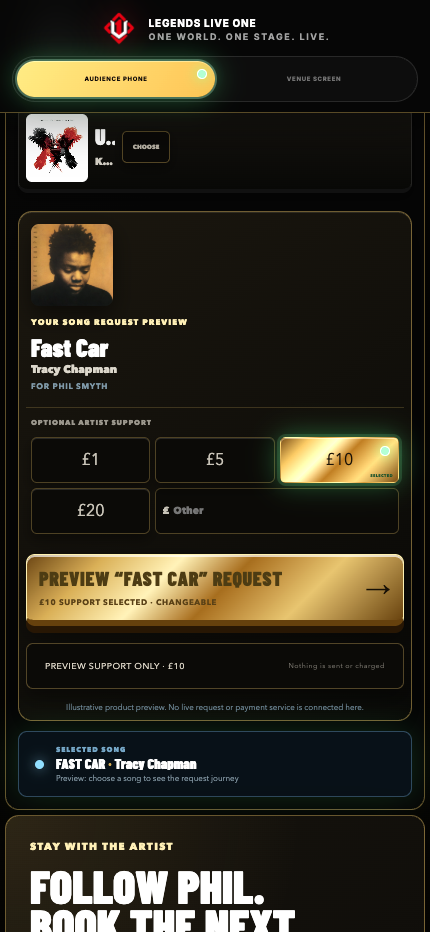
REAL AUDIENCE EXPERIENCEThe real LL1.LIVE audience phone experience showing a song request and optional artist support choices
WORKING BETA
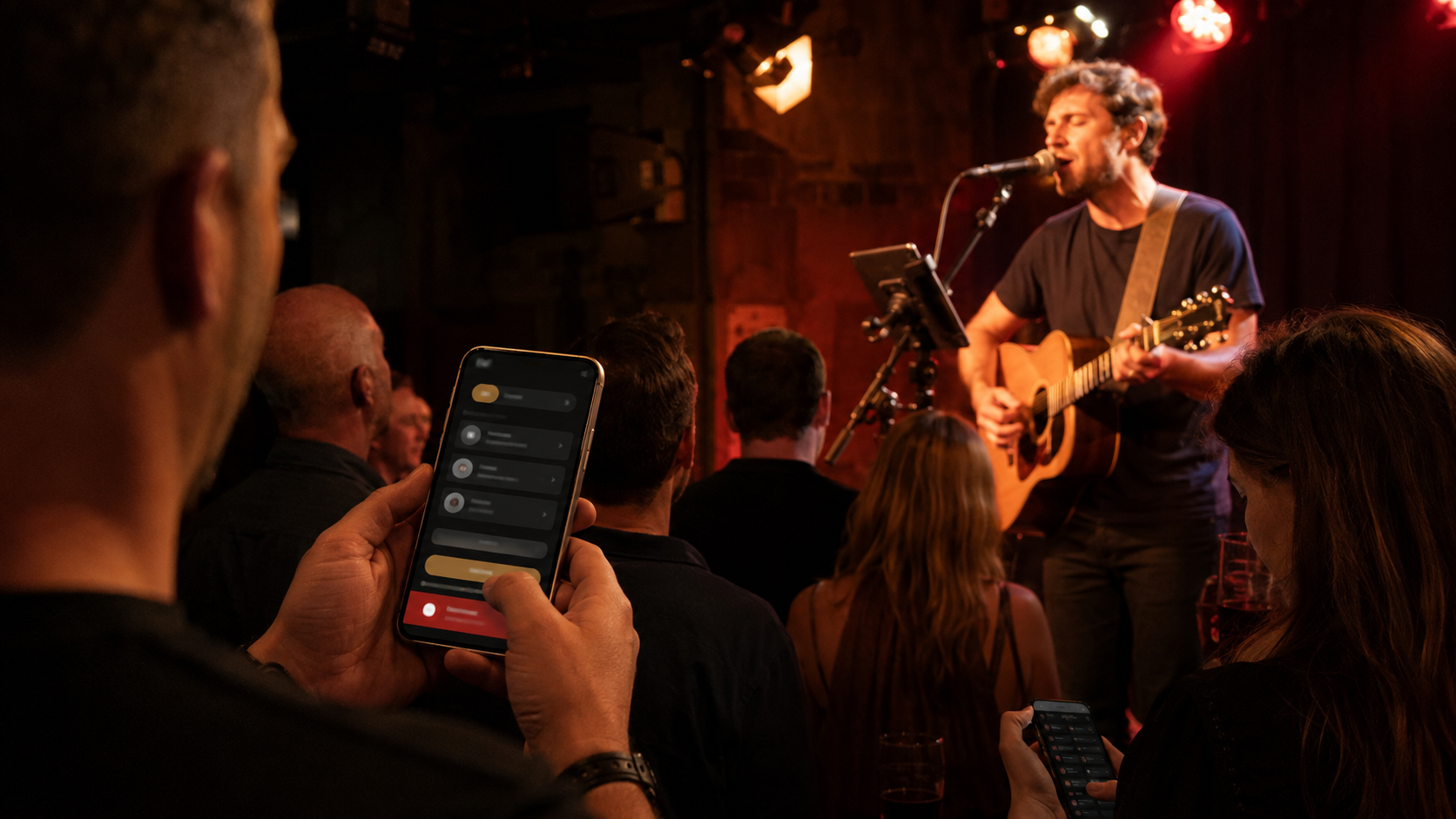
Illustration of an acoustic artist performing while audience members use phones to interact with the show
Illustrative live-room scene · genuine app screens are shown throughout this page

ONE PERFORMANCE · EVERY AUDIENCE

The room does more than watch.

Fans scan, choose from the artist’s approved songs and preview a request. When the live services are connected, venue and online audiences will be able to reach the same request-and-support journey while the artist works from one desk.

01Venue audienceQR → browser → song-request preview02Online audienceLL1.LIVE link shared alongside the stream03Artist supportOptional tip preview, separate from requesting
QR code opening the real LL1.LIVE audience previewSCAN THE REAL CODEPut the audience in the show.Point a phone camera at the code—or tap here—to open the fan request and optional-support preview. No app is needed.OPEN AUDIENCE PREVIEW ↗

THE ACTUAL APP · NOT A CONCEPT MOCK-UP

See what goes on stage.

The real WizPerform Ready Room with the artist, first song, studio setup and equipment rackREAL BETA SCREEN
01

BEFORE THE FIRST NOTE

Build the show

Prepare the running order, attach artist-owned lyrics and chords, set key, capo and tempo, then save the stage setup.
The real WizPerform Live Desk with large lyrics, chord cues, BPM and microphone follow controlsREAL BETA SCREEN
02

WHILE YOU ARE PLAYING

Stay performance-ready

Large low-glare lyrics, chord cues, stage brightness, camera framing, tuner and the saved running order remain within one touch.BPM FOLLOW works in the beta. MIC FOLLOW is available on compatible browsers and listens for clear rhythmic attacks—not lyric words; touch and tempo remain available.
The audience song-request and optional support journey on a phoneREAL AUDIENCE SCREEN
03

IN THE VENUE OR ONLINE

Connect the room

The audience uses the browser to choose a playable song and preview optional support while staying connected to the artist. No audience download is needed.

THE PLANNED CONNECTED SHOW

One live home.
Your chosen stages.

WizPerform is designed to keep LL1.LIVE at the centre when secure artist authorisation and broadcast services are connected.
YOUR PERFORMANCEWizPerform
PERMANENT LIVE-MUSIC HOME
DESTINATION 01YouTube Live

Creator channel stream

AUTHORISATION REQUIRED
DESTINATION 02Facebook Live

Page or profile stream

AUTHORISATION REQUIRED
DESTINATION 03Twitch

Creator channel stream

AUTHORISATION REQUIRED
DESTINATION 04Kick

Creator channel stream

AUTHORISATION REQUIRED
DESTINATION 05Custom RTMP

Any authorised endpoint

AUTHORISATION REQUIRED

Destination selection and local camera/microphone checks work in the beta. Each external service still requires the artist’s secure provider authorisation before public multistreaming can begin.

WHY WIZPERFORM IS DIFFERENT

See the whole live moment.

The current local stage tools are separated clearly from audience, payment and broadcast journeys still awaiting production connections.
The genuine WizPerform Ready Room bringing the show tools together
01REAL BETA SCREENTHE SHOW DESK

One performance desk

Set list, lyrics, chords, key, capo, tempo, camera and tuner stay together on the device.
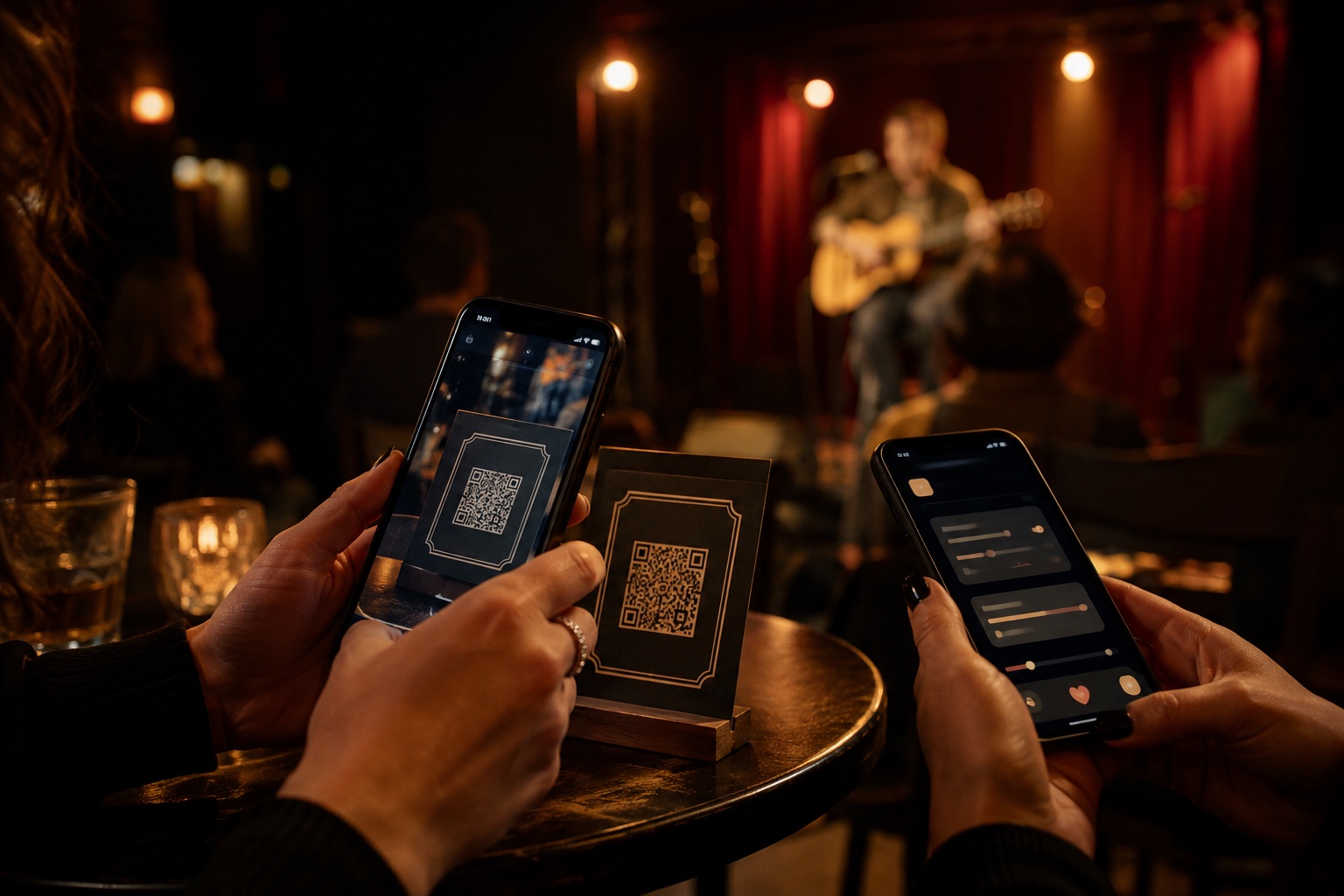
Audience members scanning a QR card and opening the fan experience during an acoustic show
02ILLUSTRATIVE LIVE SCENESCAN · TAP · JOIN

The audience joins instantly

A QR code opens the LL1.LIVE audience experience in the browser—no audience app install required.

The genuine WizPerform live desk with performance controls and a future request area
03REAL BETA SCREENREQUEST WORKFLOW PREVIEW

Prepare the future request flow

The interface previews how verified audience requests can enter the running order; live delivery is not connected in this release candidate.

The genuine LL1.LIVE fan request and optional support preview
04REAL AUDIENCE SCREENDIRECT ARTIST SUPPORT

Support at the right moment

The audience experience includes song-request and optional tip journeys. Payments remain preview-only until the live service is connected.
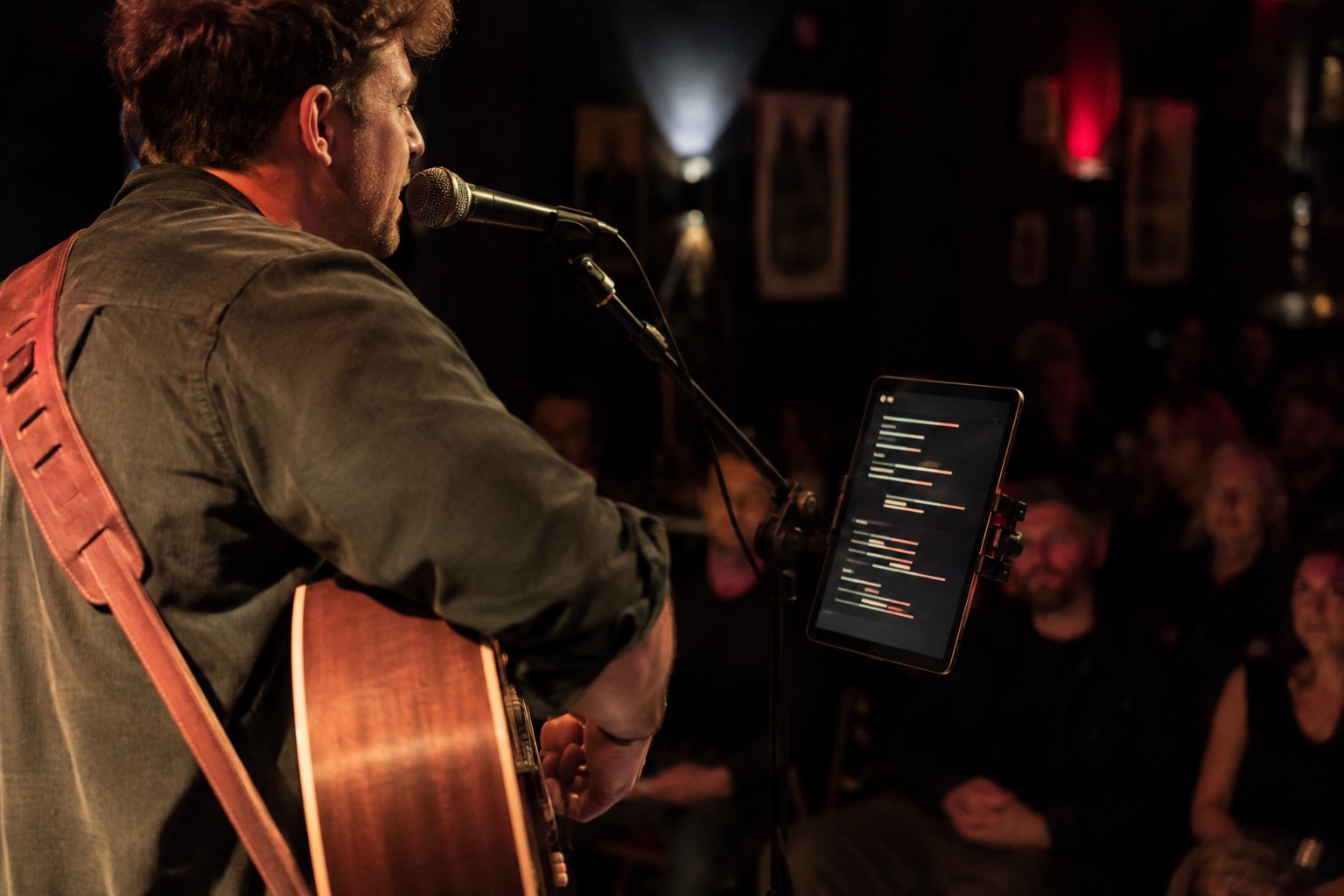
An acoustic artist using a tablet-mounted lyric view while performing
05ILLUSTRATIVE LIVE SCENEBPM · MICROPHONE · TOUCH

Lyrics follow the performance

BPM follow works in the beta. Microphone-follow mode is present for compatible browsers and falls back safely to tempo or touch.

An illustrative acoustic performance with venue and online audiences
06ILLUSTRATIVE LIVE SCENEPLANNED · AUTHORISED OUTPUTS

Plan beyond the room

The interface previews intended LL1.LIVE, YouTube Live, Facebook Live, Twitch, Kick and custom RTMP destinations; provider sign-in and public multistreaming are not yet connected.

WIZ AI × LL1.LIVE

Your show.
In your hands.

Download the official iPhone and iPad app now. The audience experience stays browser-based with no audience app required; Google Play remains in preparation.
DOWNLOAD ON THE APP STORE ↗